
"Checkout" Ultimate Collaborative Feature
Updated: May 28

Hey fellow CAD professionals!
Have you ever been in a situation where you need to make a quick, urgent edit to a drawing, only to be greeted by that dreaded pop-up: "File is locked for editing by..."? Or even worse, has your team ever split a single DWG into multiple copies just to work simultaneously, leaving you with the absolute nightmare of manually combining and merging them later—all while praying nobody accidentally overwrote someone else's work?
Well, Autodesk heard our cries. In AutoCAD 2027, they’ve introduced a game-changing feature called "Checkout" (powered by Forma Data Management). It is about to completely revolutionize how we collaborate on DWG files.
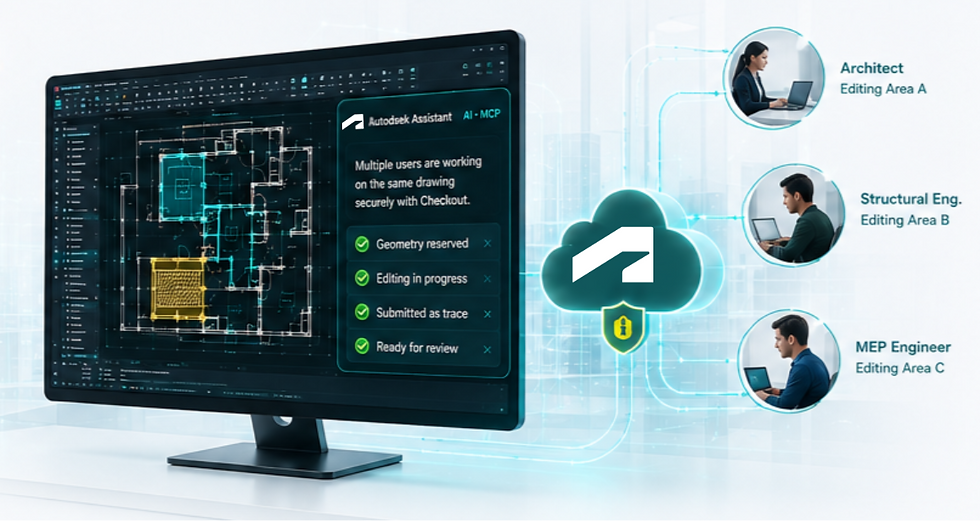
Here is everything you need to know about this new workflow and how it’s going to save your sanity.
What is AutoCAD Checkout?
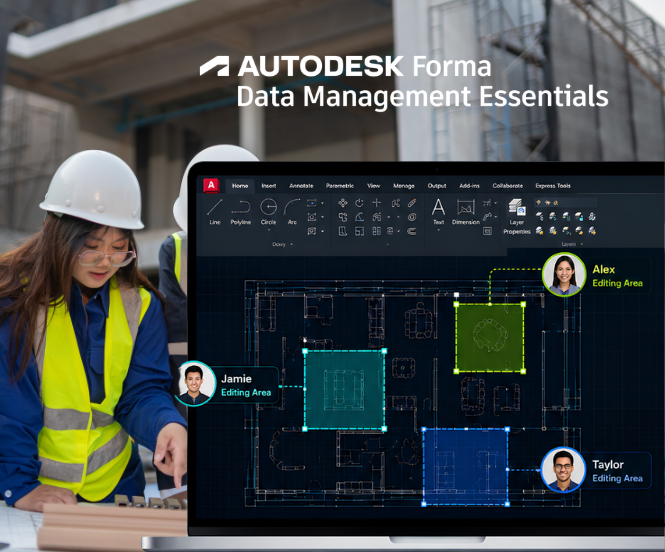
In short, Checkout is a new cloud-based feature that allows multiple team members to work on the exact same DWG file at the same time.
Instead of waiting for your colleague to close a drawing before you can jump in, Checkout leverages Forma Data Management in the cloud to securely handle data permissions, letting you co-edit smoothly without stepping on each other's toes.
How It Works: The 4-Step Parallel Workflow
AutoCAD doesn’t just let everyone modify the file haphazardly. It uses a highly structured, foolproof 4-step process to ensure data integrity:
Geometry Reservation: Even if a drawing file is currently locked by another user, you don't have to wait. You can choose to "Check-out" and reserve only the specific geometry or area you need to modify.

Isolated Editing: Once checked out, AutoCAD isolates your selected geometry into a separate editing environment. This guarantees that your work-in-progress edits will not immediately overwrite or mess up the master file.
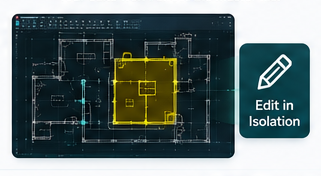
Submit via Trace: When you’re done with your modifications, you submit your changes back into the system as a Trace (think of it like an digital overlay or tracing paper). This allows for a safe review process.

Review and Merge: Once the changes are reviewed and approved, they are safely merged back into the master DWG file. No data loss, no accidental overwrites. 100% secure.

Key Benefits for CAD Teams
Parallel Productivity: No more standing in a virtual queue. Architects, structural engineers, and MEP drafters can work on the same file concurrently, drastically cutting down project delivery times.
Zero File Conflicts: Because the system manages specific geometries rather than the entire file, the risk of accidental overwriting drops to zero. Say goodbye to manual file stitching!
Secure Governance: Your team's data and intellectual property are fully protected and tracked through the cloud ecosystem at every single stage of the design process.
Licensing and Limitations (Read Before You Use!)
Before you jump in, here are a few important licensing details you need to know:
Who gets access?
The Checkout feature is included under the Forma Data Management Essentials (FDME) entitlement.
This comes as a standard entitlement for users with a standalone AutoCAD 2027 subscription.
Important Restrictions:
This feature is strictly designed for files hosted on the cloud via Forma. It won't work on local servers or third-party cloud drives.
It is not included for customers under Enterprise Business Agreements (EBA) or those using certain product Collections. Make sure to check your account entitlement first!
If your office has already upgraded to AutoCAD 2027, go give it a spin! Let me know how it goes or if you run into any quirks. Drop your thoughts in the comments below!

Comments